






Apple Silicon Mac
- Sufficient free storage for app, AI models, cache and working files
- Internet connection for first-run model downloads / activation where required
- Photoshop is optional for Desktop App use
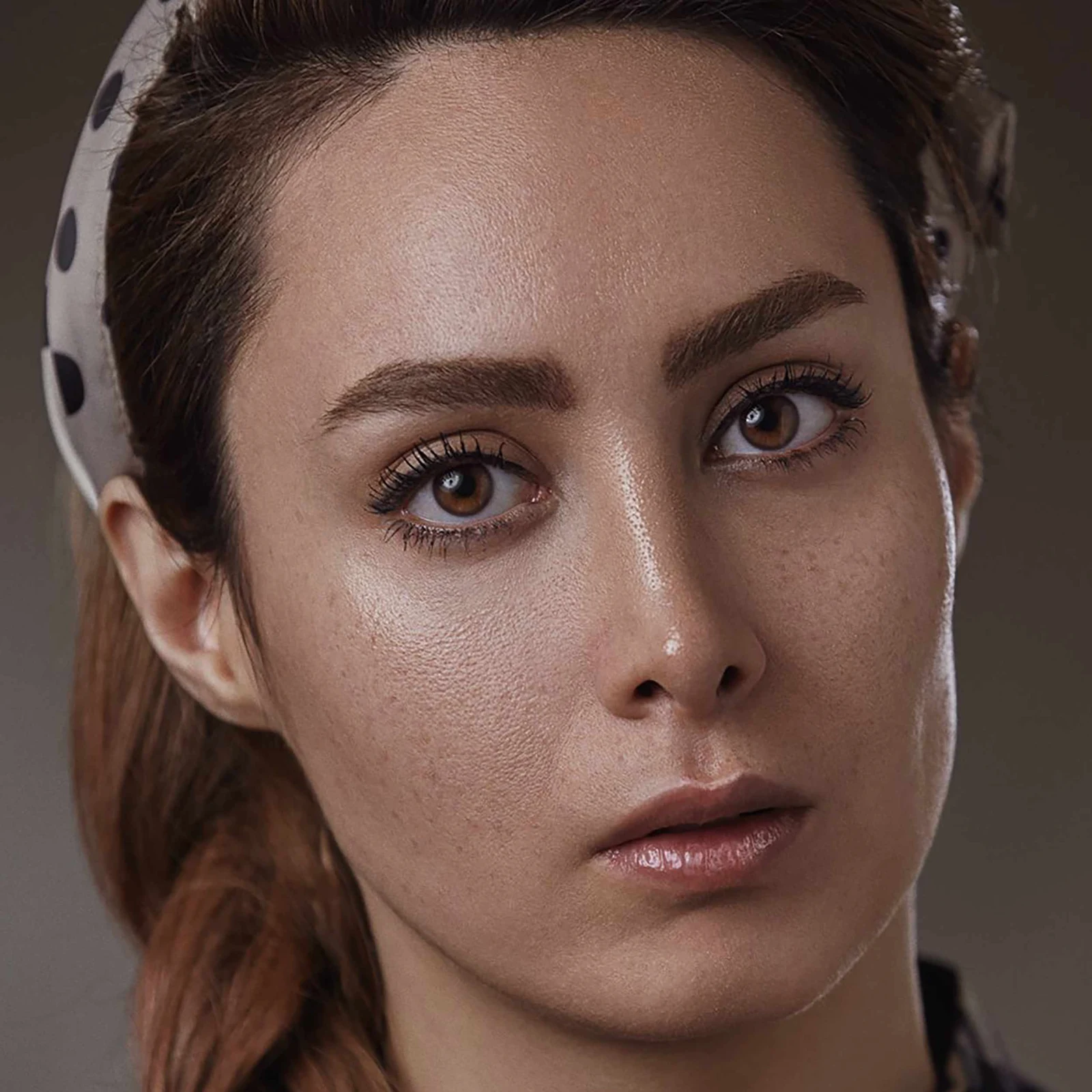
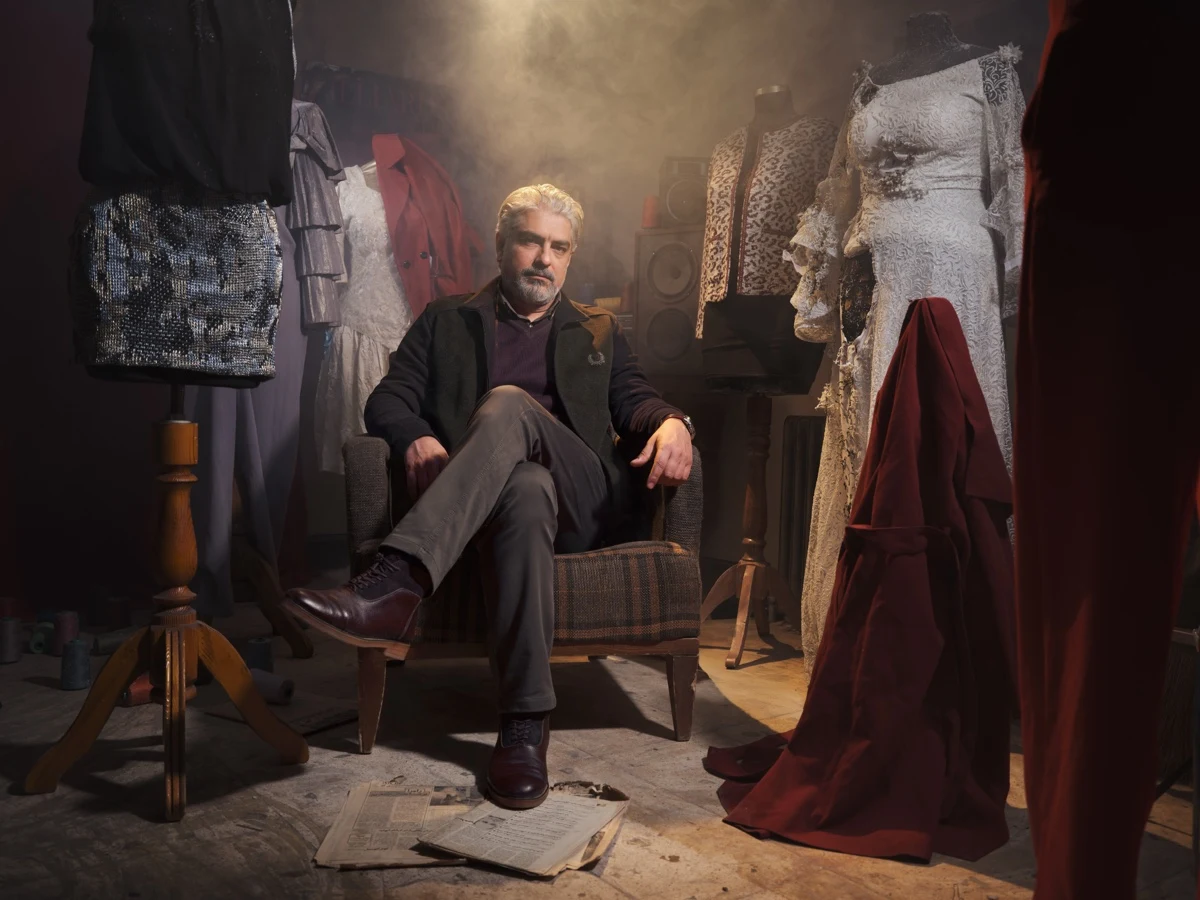
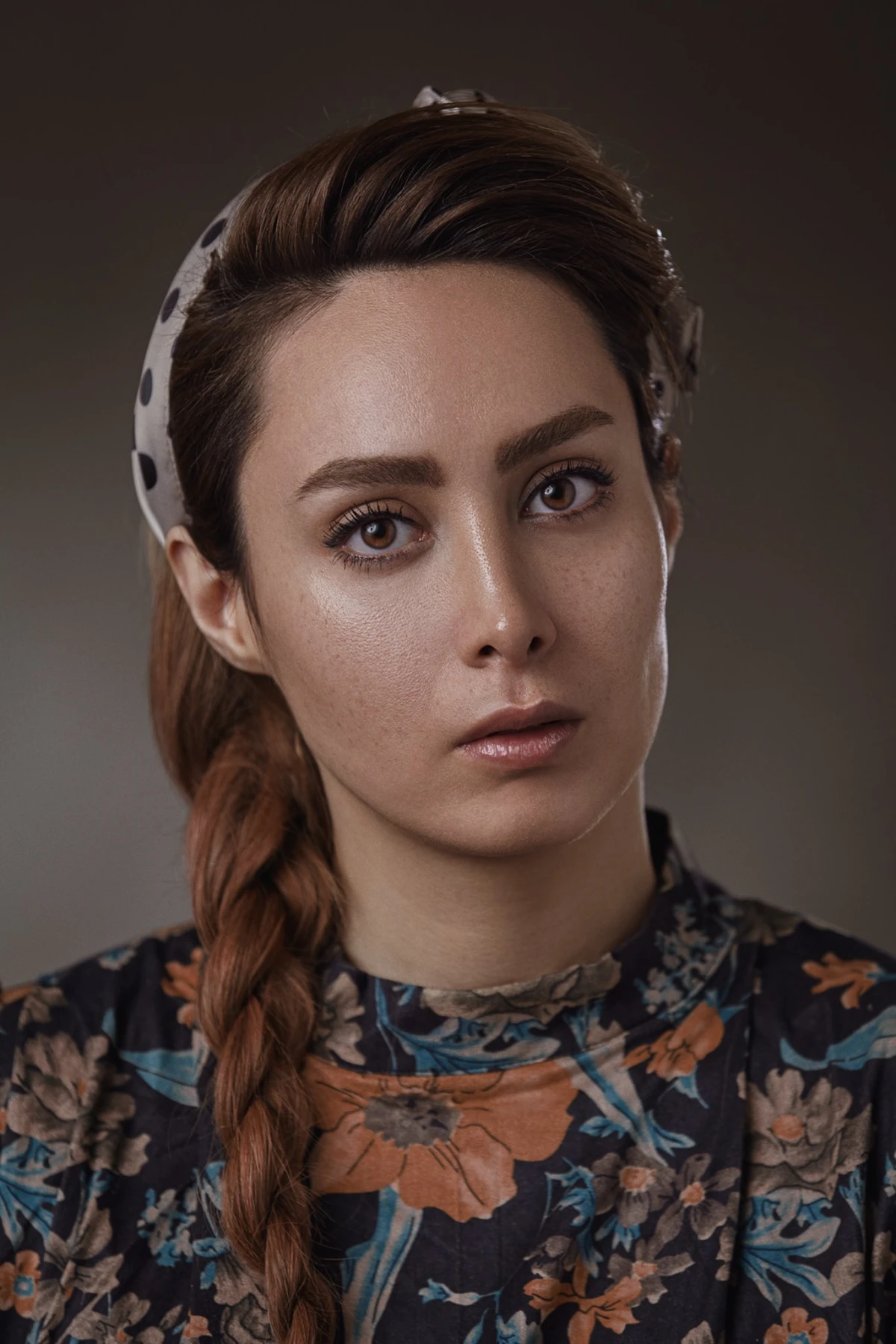
Made for deep crops, small digital originals, social-media copies, and archive files that need more resolution without losing their photographic character.
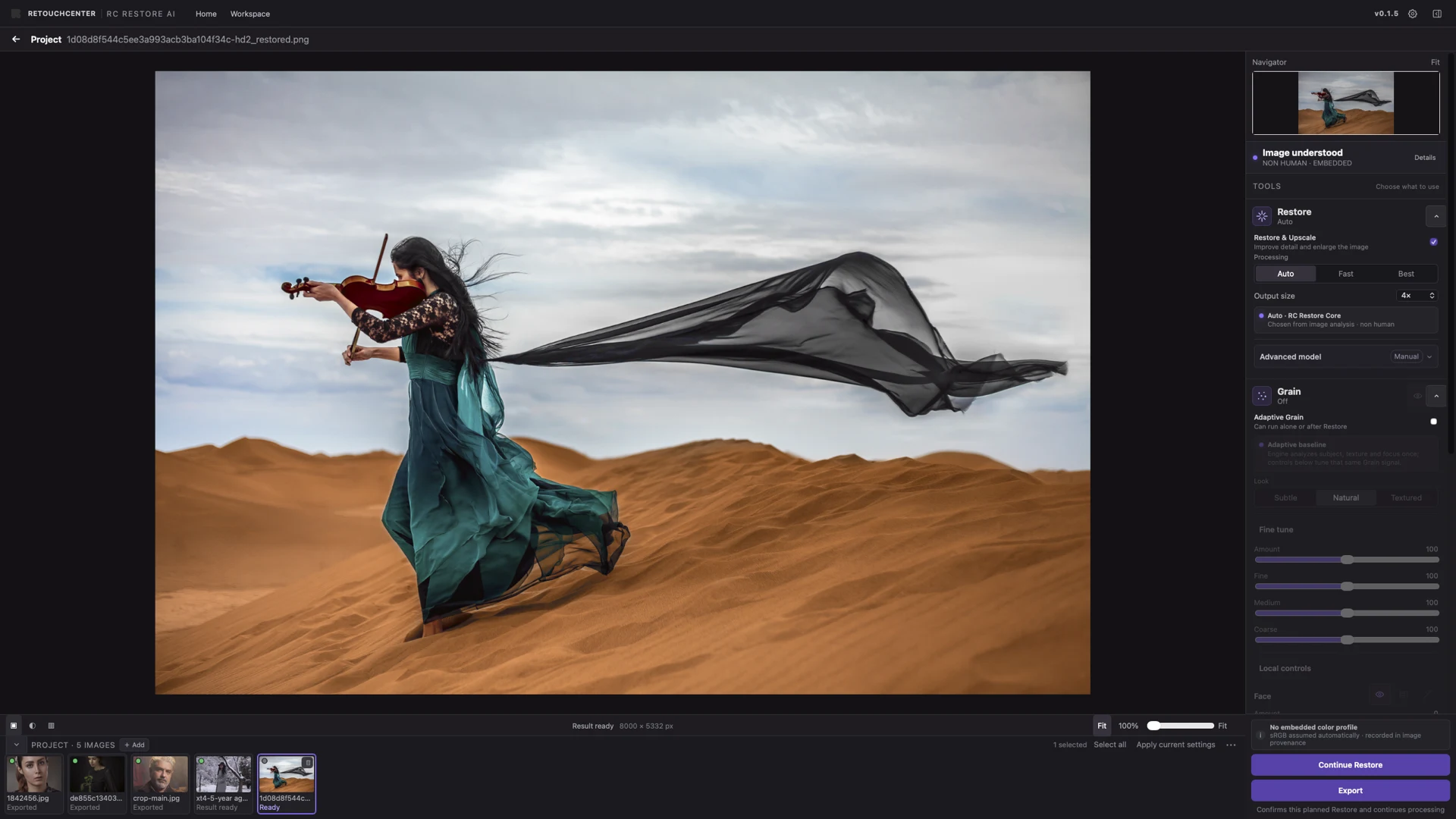
Skin, sharp detail, soft backgrounds, shadows, and highlights do not need the same texture. Adaptive Grain reads those areas separately and adjusts the grain so the finished image feels like one photograph again.
Use it after Restore, or on its own when a digital image needs a more natural photographic finish.
Restore, Repair and Adaptive Grain run locally on your Mac. Your working images are not uploaded for processing.
LOCAL RENDER · APPLE SILICON
Internet may still be used for setup, activation, model downloads and updates.
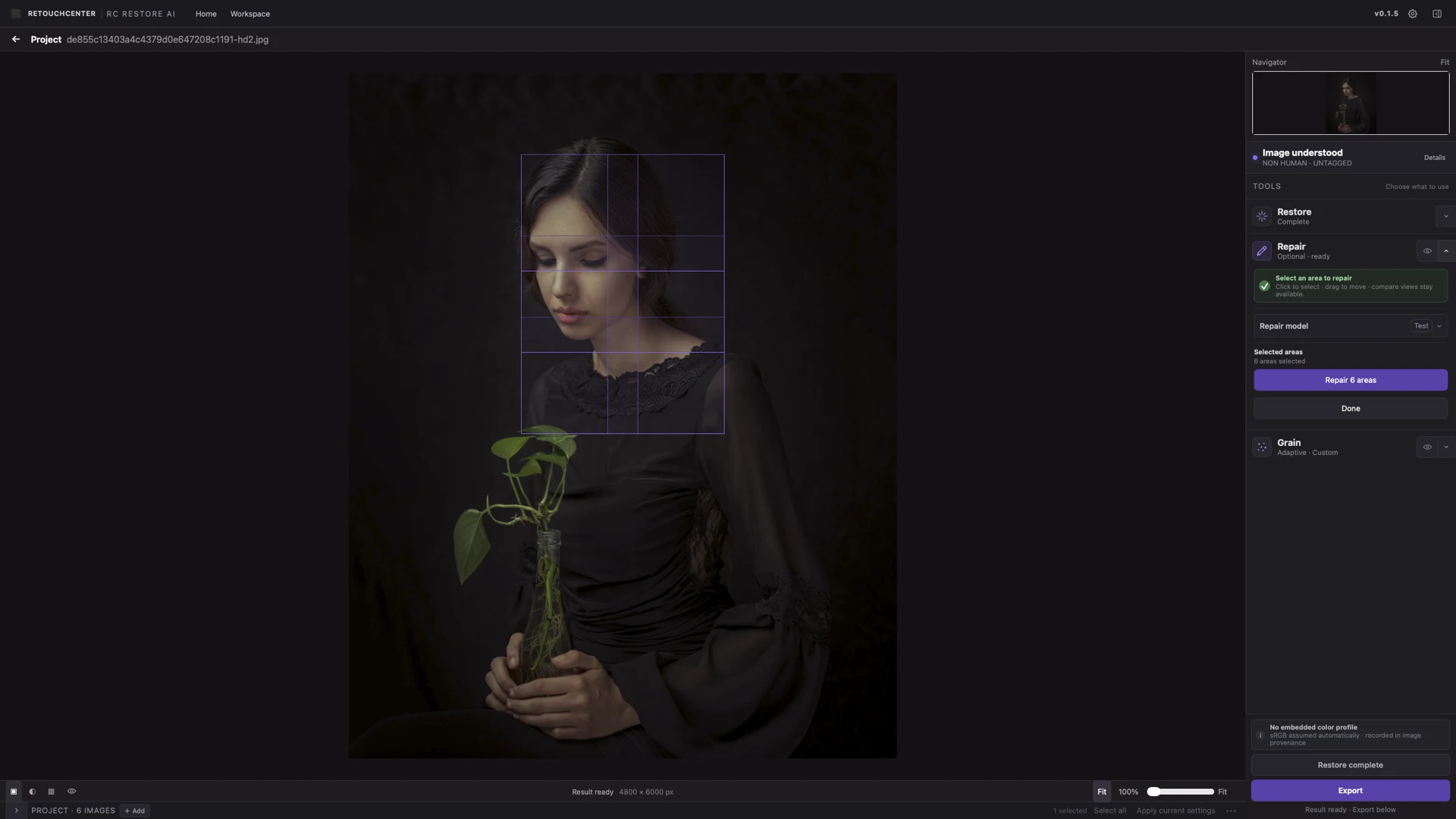
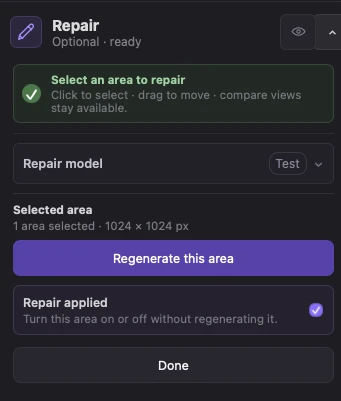
Restore handles the full image. Repair lets you work on selected areas. Adaptive Grain brings back the texture that helps the result feel photographic.
Available for macOS on Apple Silicon.
Recommended for greater processing headroom and access to the Full / Best Restore path.
The Desktop App works on its own. Adobe Photoshop integration is available and has been tested with Adobe Photoshop.
The current installer is unsigned and not notarized by Apple, so macOS may show a security warning the first time you open it.
Organization-managed Macs may disable Open Anyway through security policy. RC Restore AI does not require disabling Gatekeeper globally.
Give small, cropped, and archived photographs more room to work without giving up their photographic character.